Author
CubLearn Team
Education & EdTech
Published:
Try a 30-second demo, let Cub AI guide your child to the right games, and hear Cub's voice on /en/guide — no sign-up required for your first experience.
Table of contents
Step 1: Try the demo on the homepage (no sign-up)
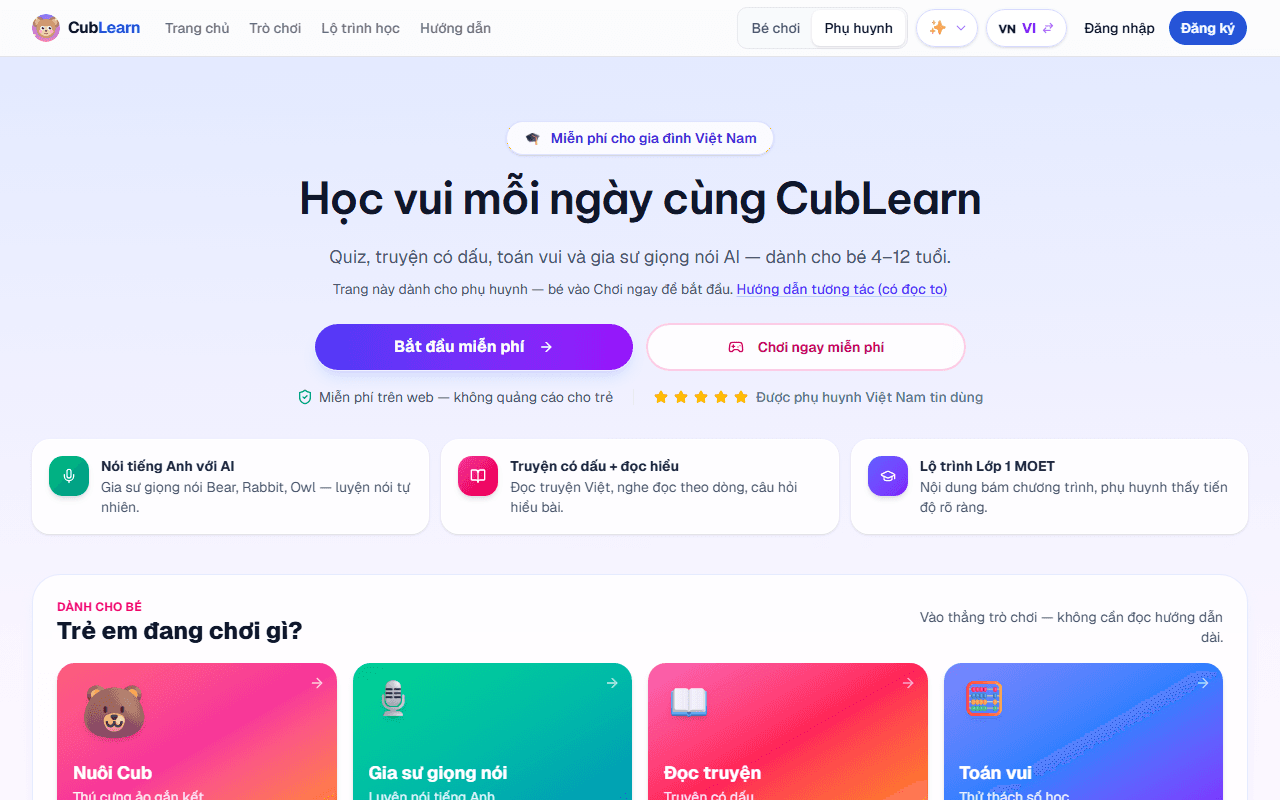
Go to cublearn.app/en and find the ~30 second demo card. Your child answers a few playful questions — you can see if they're interested before installing the app or signing up.
Step 2: Cub AI — your child's guide
On Games, choose Cub AI — Your guide (or open /en/games/ai-guide directly).
Cub (Bear 🐻) asks about grade, mood, and interests, then suggests 2–3 games that fit — for example speaking practice, English chat, or the What to learn today? path. AI uses a cost-efficient model (Gemini Flash Lite via `getModel()`), with caching and rate limits — safe for families on the free tier.
Unlike ChatGPT: Cub only suggests in-app games, keeps replies short, and includes tips for parents alongside suggestions.
Step 3: Hear Cub's voice (guide with TTS)
Open /en/guide — six visual steps. Tap Listen to this step so Cub reads aloud with TTS (Cloud or Gemini TTS depending on server config). You'll need speakers or headphones.
Step 4: Short intro video
The homepage has a short intro video for CubLearn — watch with your child so they know "who Cub is" before jumping into games.
Step 5: When should you sign up?
| Situation | Suggestion |
|---|---|
| Just trying for a few minutes | No sign-up needed; guest progress is stored temporarily on the device |
| Want to save XP, streaks, multiple child profiles | Sign up — Google or email |
| Using the mobile app | Download the CubLearn app; Learn → Cub AI works like the web version |
Safe AI — 3 quick rules
More detail: AI Tutors for Kids — parent guide.
Summary
| Step | Link |
|---|---|
| Homepage + demo | /en |
| Cub AI Guide | /en/games/ai-guide |
| Guide + read-aloud | /en/guide |
| Game library | /en/games |
Weekly tips for parents
EdTech, parenting, and playful learning — no spam.
CubLearn App
Let your child apply this knowledge today!
8 games · 32 lessons · Completely free · No ads


